

Transform Photos into 3D models with Copilot 3D and Share them with echo3D

© Microsoft Copilot Labs
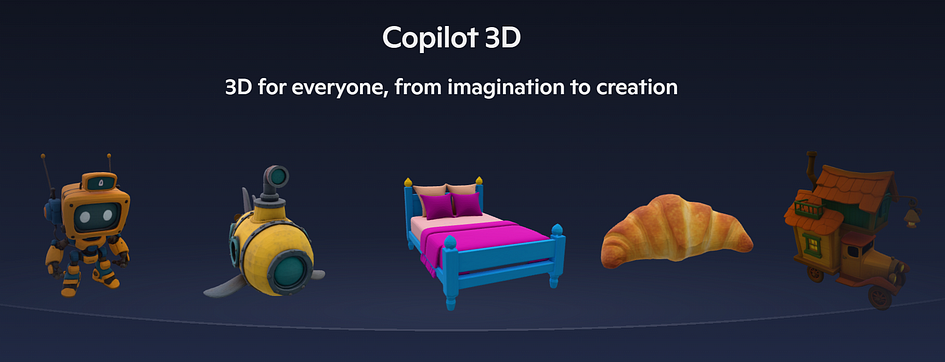
Microsoft launched Copilot 3D can convert 2D images into 3D models that can be used in design tools, game engines, 3D printing, and AR/VR experiences. It is a free-to-use AI feature, available globally through Copilot Labs, that can transform any 2D image into a 3D model (but Microsoft does recommend using images with a single subject and a clear separation between the subject and the background for best results).
“Copilot 3D is an AI-powered tool exclusive to Copilot Labs that lets users turn a single image into a fully rendered 3D model — no prior experience needed,” Microsoft said in its announcement. “It’s designed to make 3D creation fast, accessible, and intuitive. Whether you’re exploring ideas, testing a concept, or guiding hands-on learning, Copilot 3D supports imaginative experimentation without the complexity of traditional 3D software.”
Copilot 3D generates 3D models in a GLB format, which is compatible with most 3D viewers, and can be viewed and shared using echo3D’s 3D digital asset management platform.
How to create a 3D model with Copilot 3D
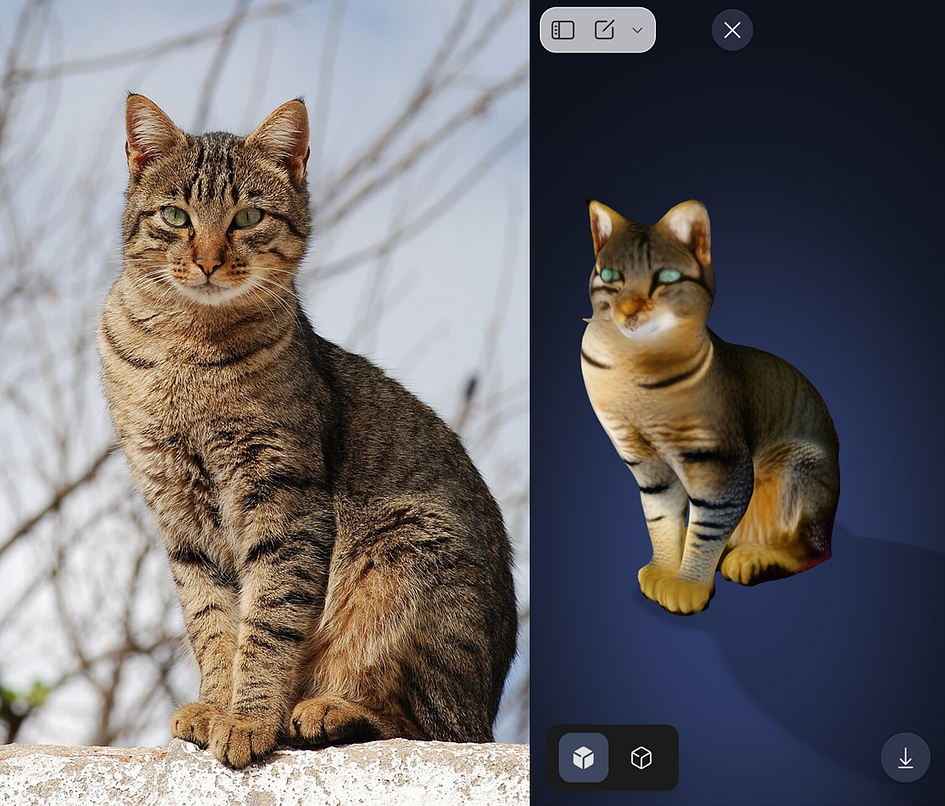
Go to the Copilot 3D website and sign in with your Microsoft account. Click the “Upload image” button to choose one of your own images and then click “Create”. It’s as easy as that.
Once the 3D model is rendered, you can view it for different angles and download it as a GLB file to your desktop or mobile. The model is also saved under “My Creations” (but automatically deleted after a month).
Press enter or click to view image in full size
How to view and share 3D models with echo3D
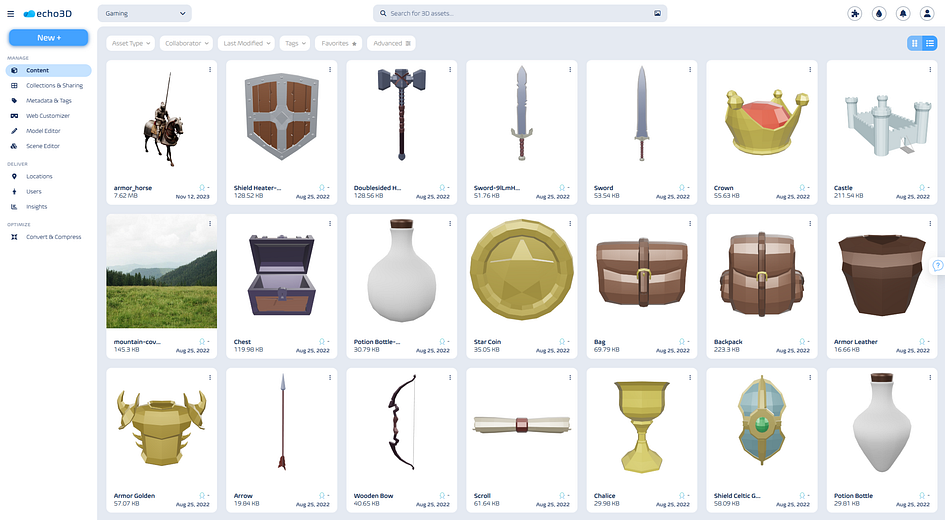
Upload your new 3D model to echo3D, by click “New+”. The model will be added to your 3D library and you will be able to share it with others. echo3D automatically created a short link and a QR code for you to share the model and even let’s you see the 3D model in augmented reality, using your phone.
Viewing and sharing a 3D model has never been easier. And the more 3D content you create, the easier it is to manage all of them on echo3D. You can view all 3D assets, share them with others, edit and create different versions of them, and even link them all together in one 3D scene.
Use the echo3D 3D conversion tool to convert GLB files to USDZ, FBX, OBJ and more
Press enter or click to view image in full size
© echo3D, 3D DAM system


